 XGameFan

ゲーム紹介
1. Run “VBS.cmd” file with “Run as Administrator”. And pleas read the displayed information carefully before proceeding.
– Once complete, your PC will automatically restart.
– During the restart process, you will see a blue screen, you must press F7 and select “Disable Driver Signature Enforcement”.
2. Start game from “game/Raidou TMOTSA.exe” (with “Run as Administrator”).
3. Enjoy ;')
NOTE 1: After you are done playing the game, it is highly recommended to revert the changes by run “VBS.cmd” file, select “Revert” (by pressing key 3)
NOTE 2: Each time you start the game, you need to repeat all the steps above.
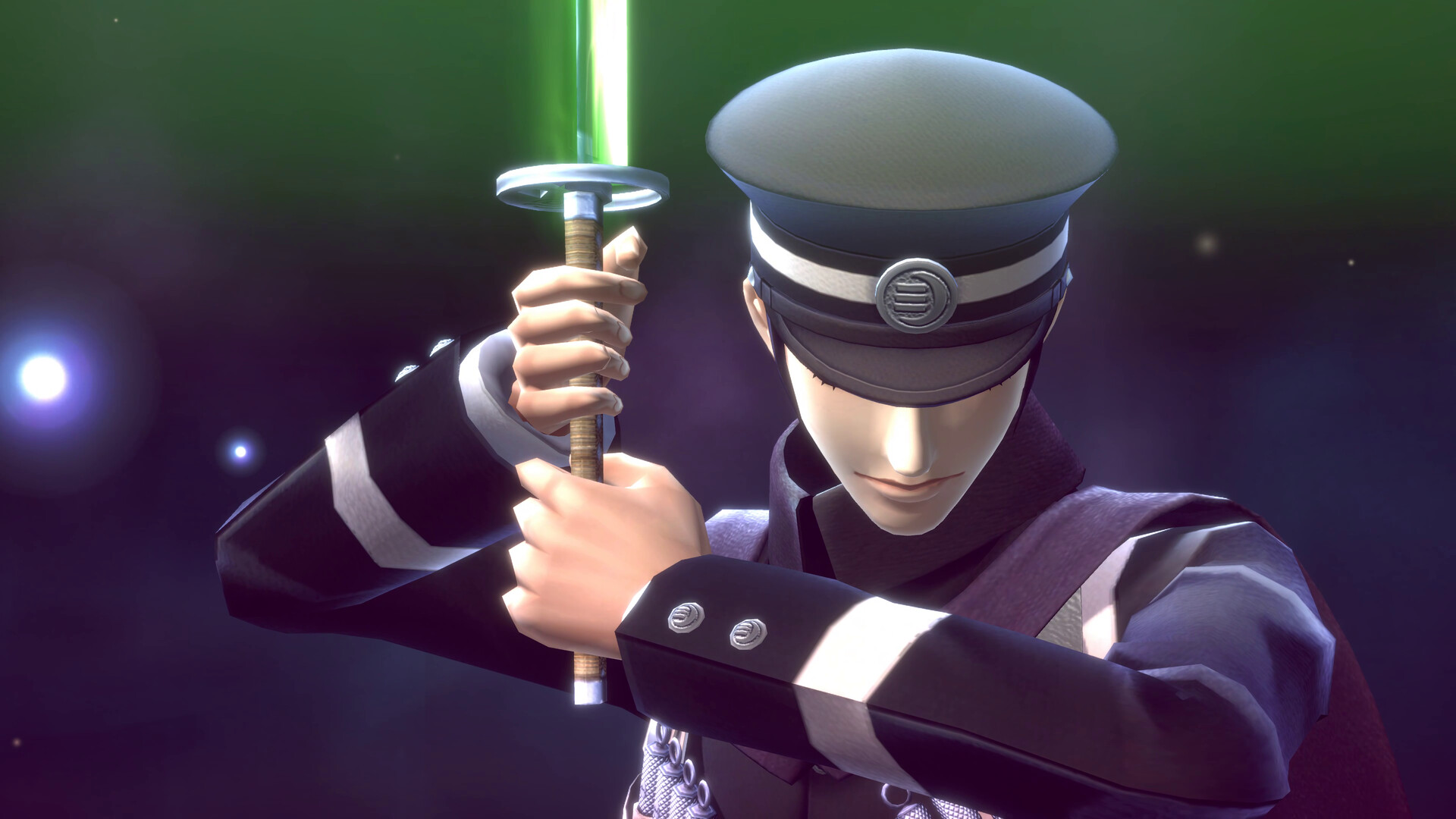
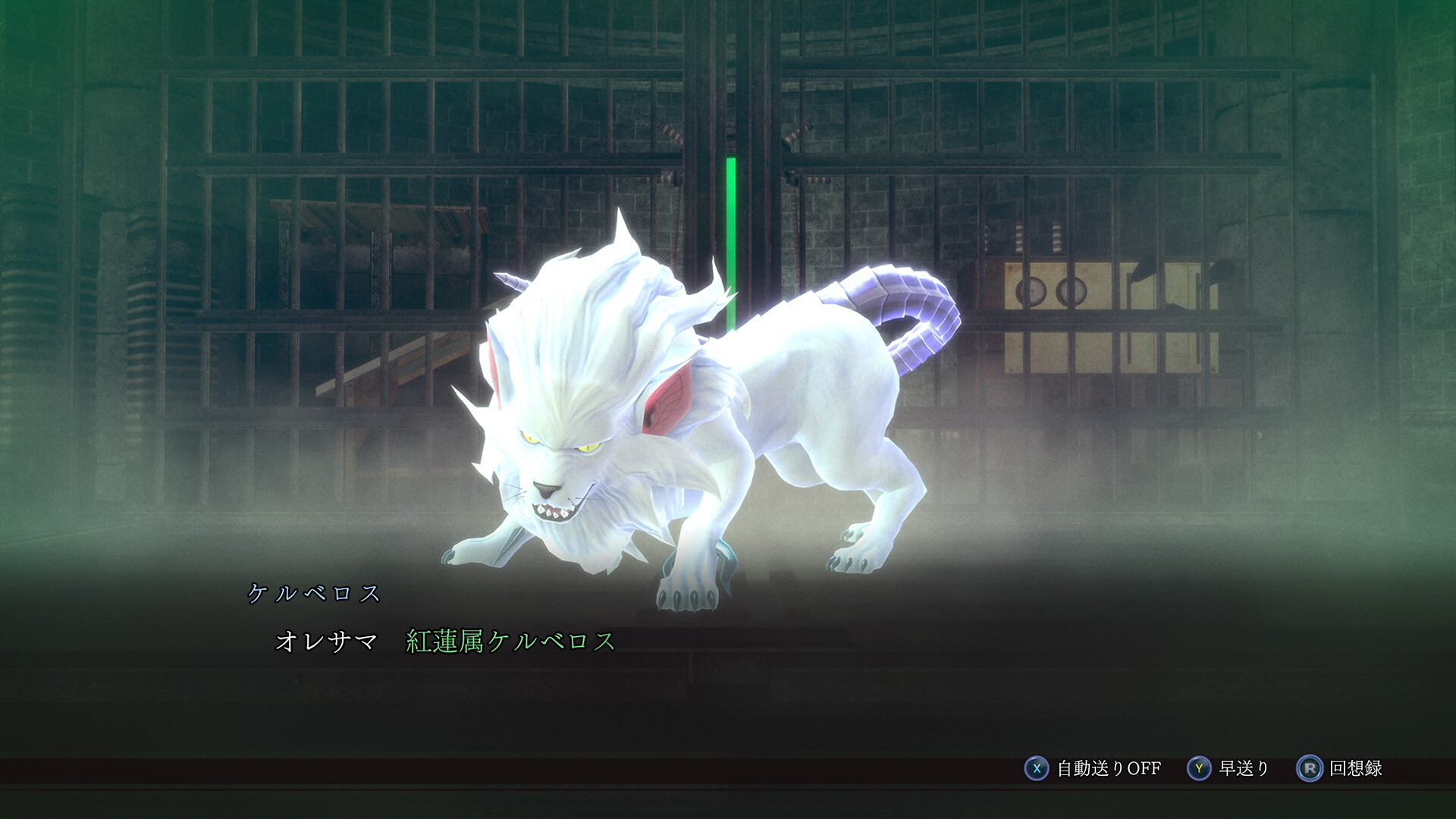
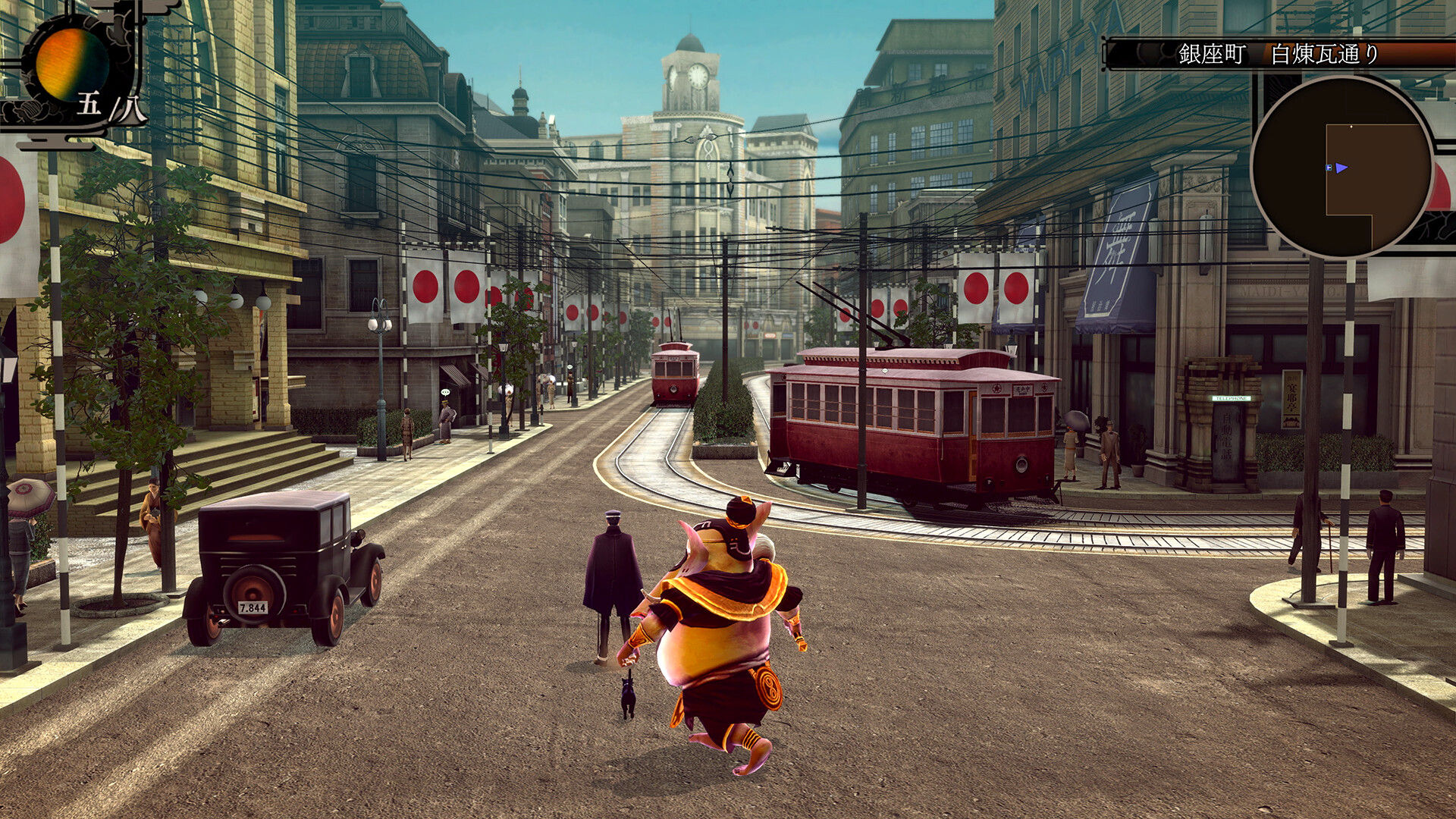
大正帝都ノ怪奇探偵譚、堂々復活
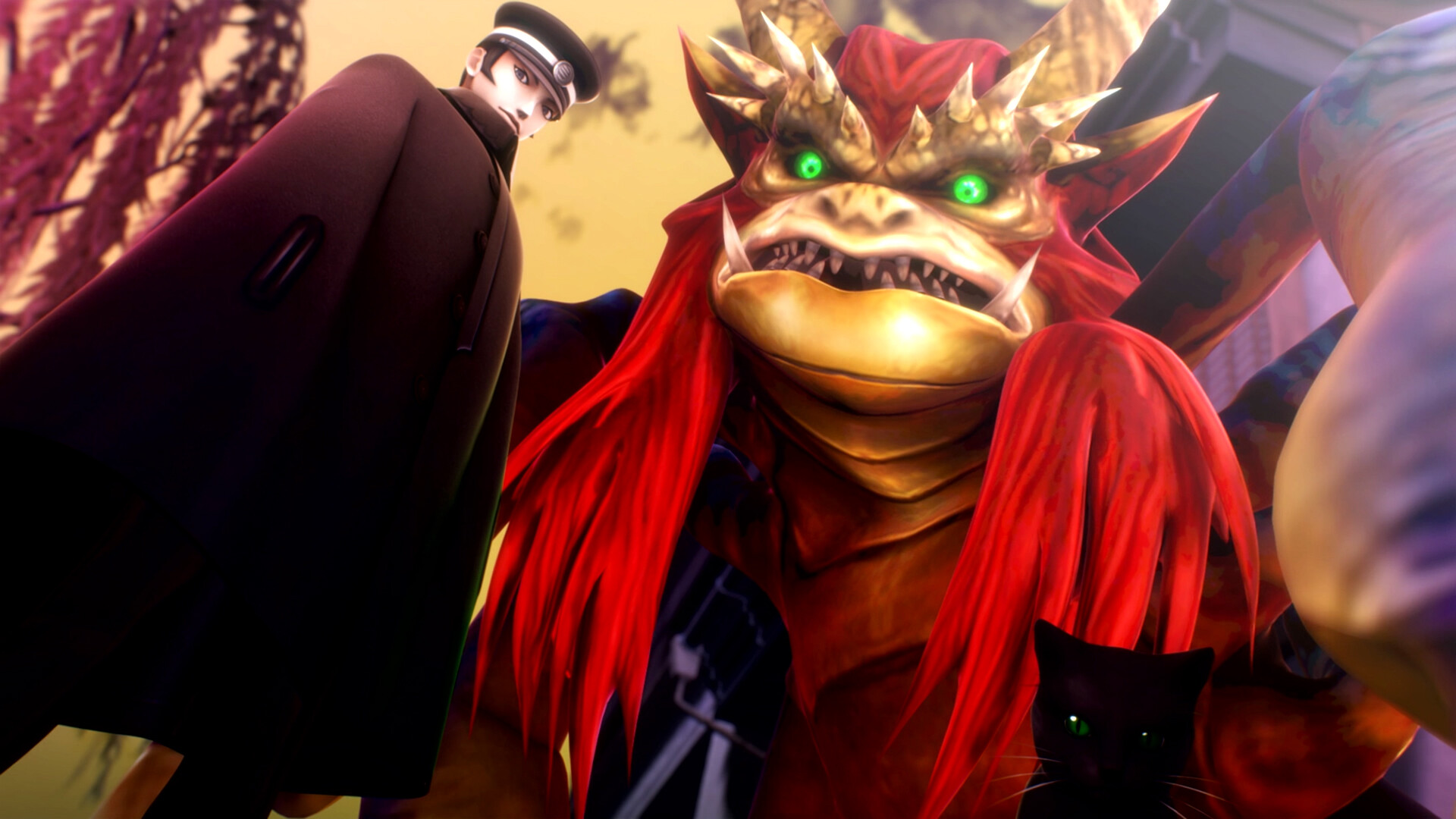
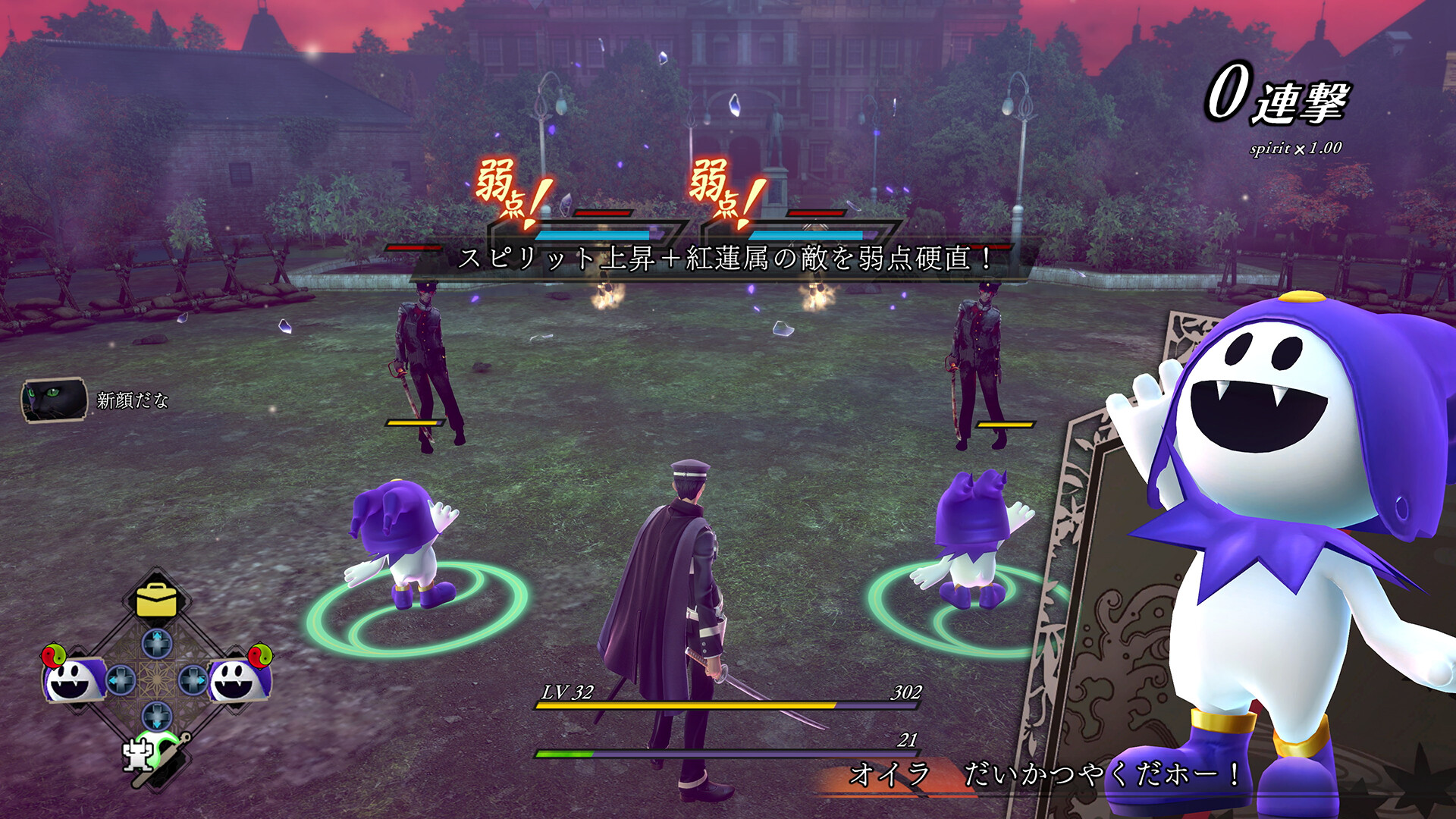
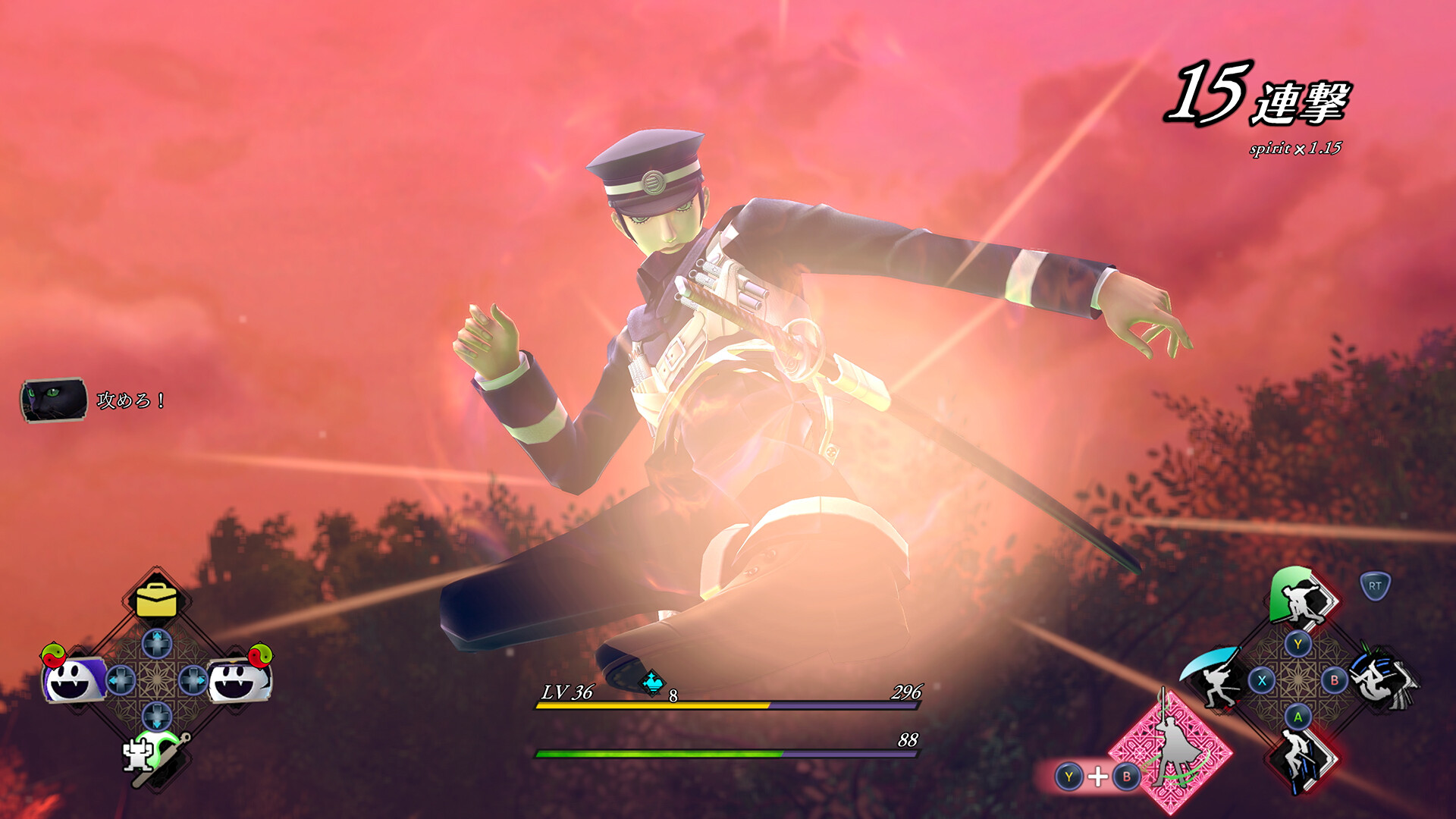
あの『デビルサマナー 葛葉ライドウ 対 超力兵団』が、あらゆる要素を大幅パワーアップさせて、遂にリマスター化!
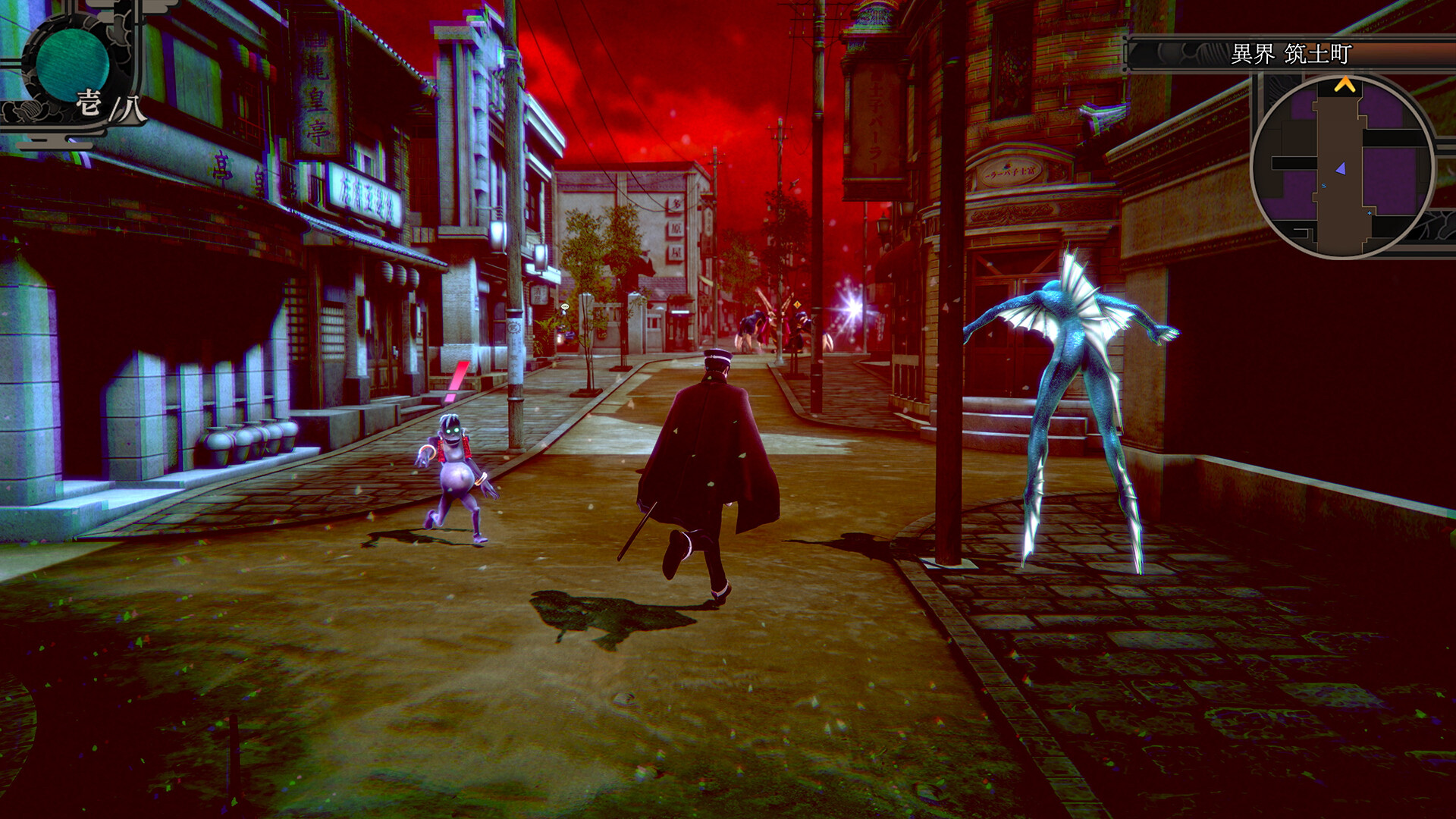
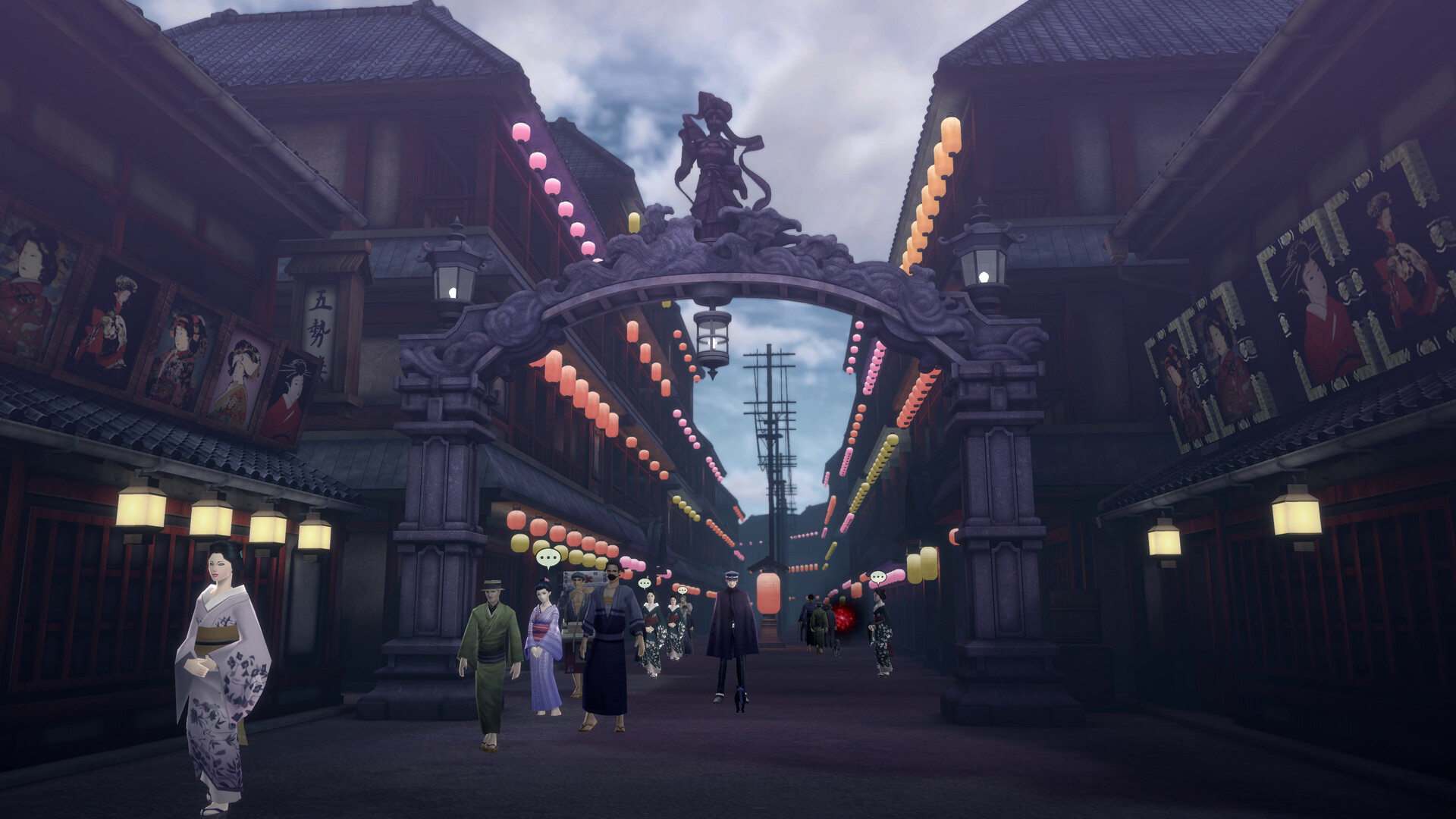
大正二十年、帝都。
「私を、殺して」
その言葉を残し、ひとりの女学生が悪魔にさらわれ行方不明となった。
事態はやがて、帝都全土を揺るがす大災厄へと発展する。
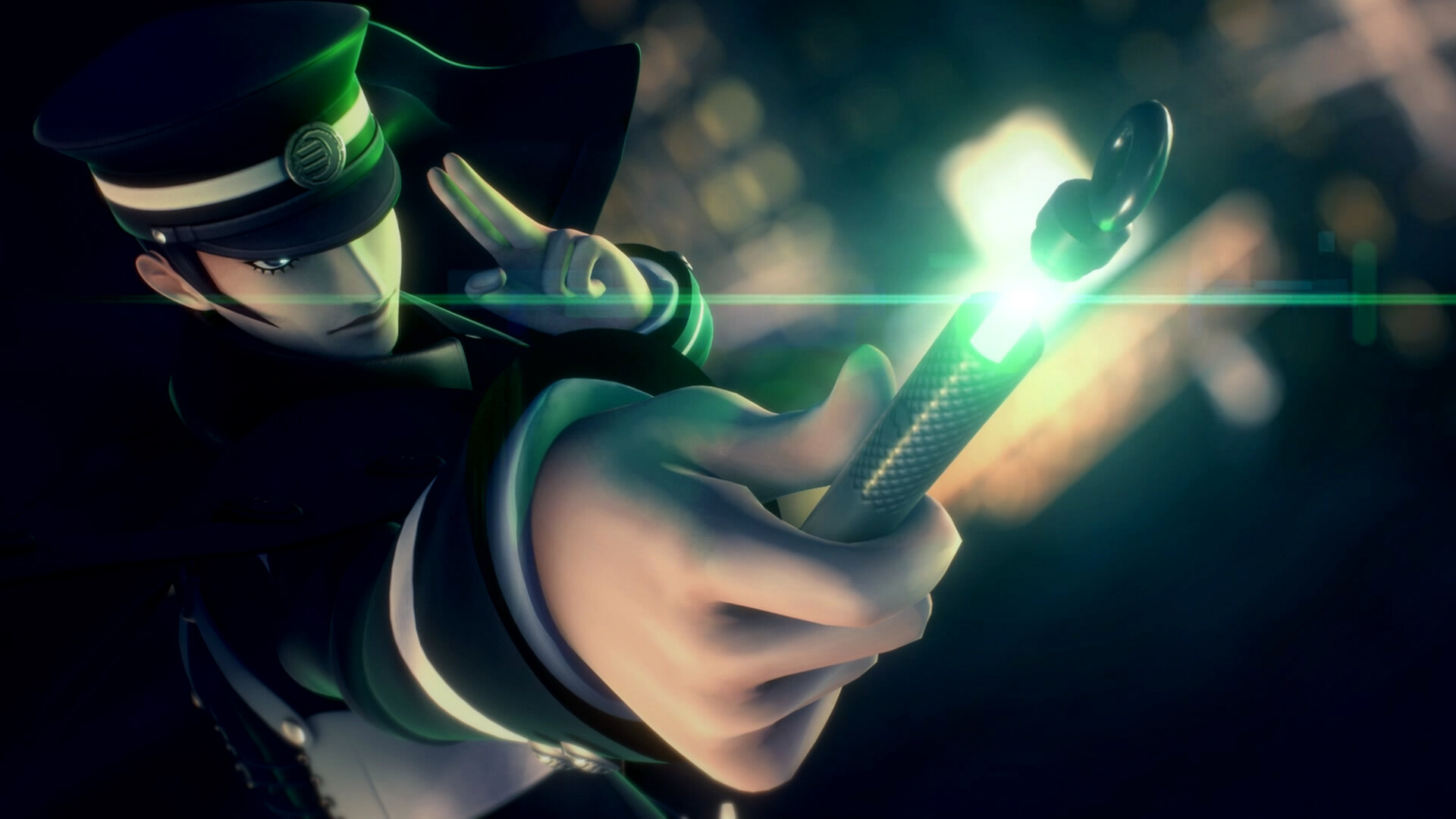
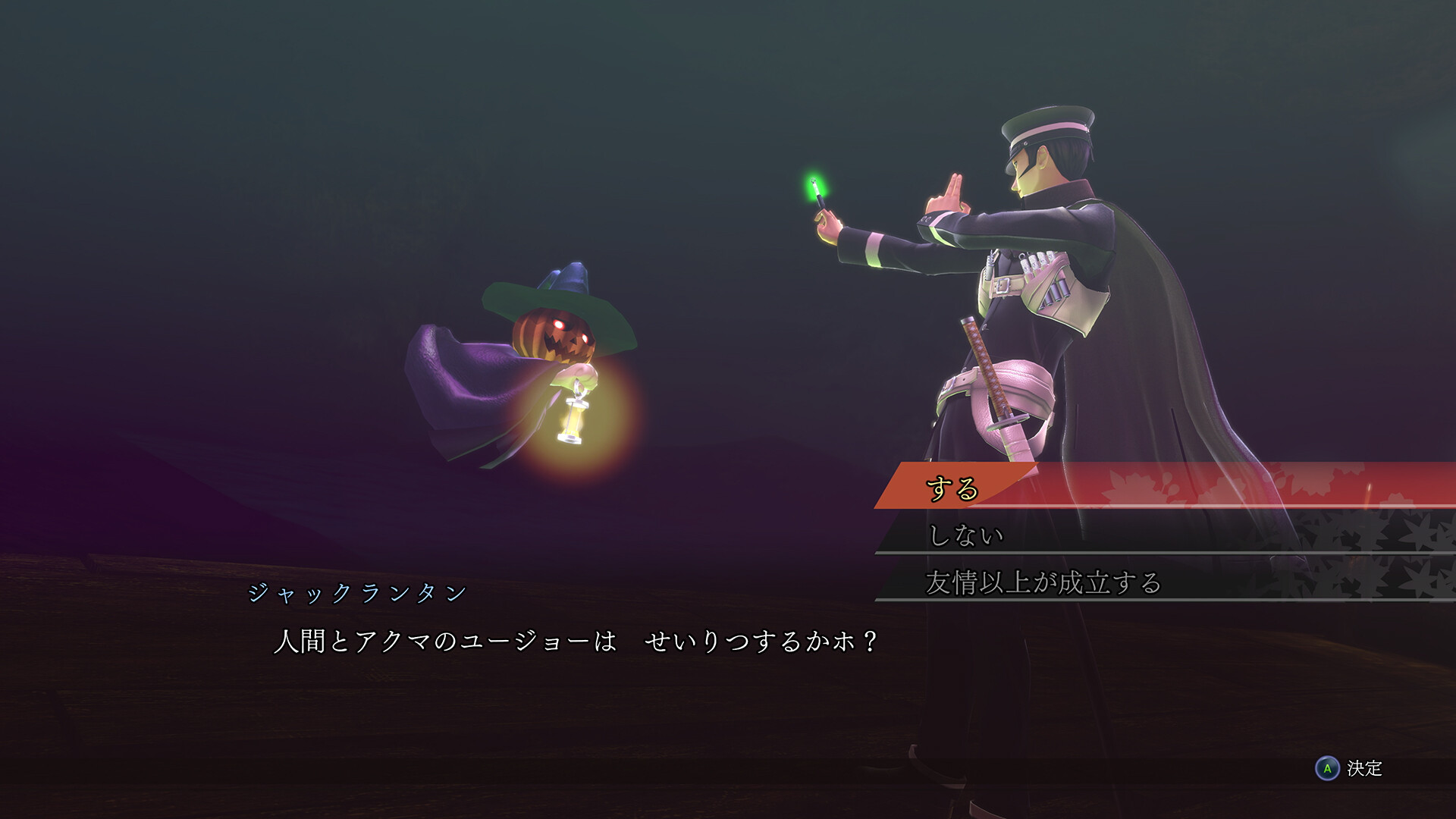
表の顔は探偵見習い、しかし裏の顔は帝都を護る悪魔召喚師(デビルサマナー)である葛葉ライドウは、女学生の行方を追うことで、事件に隠された意外な真相へ辿り着くのであった。
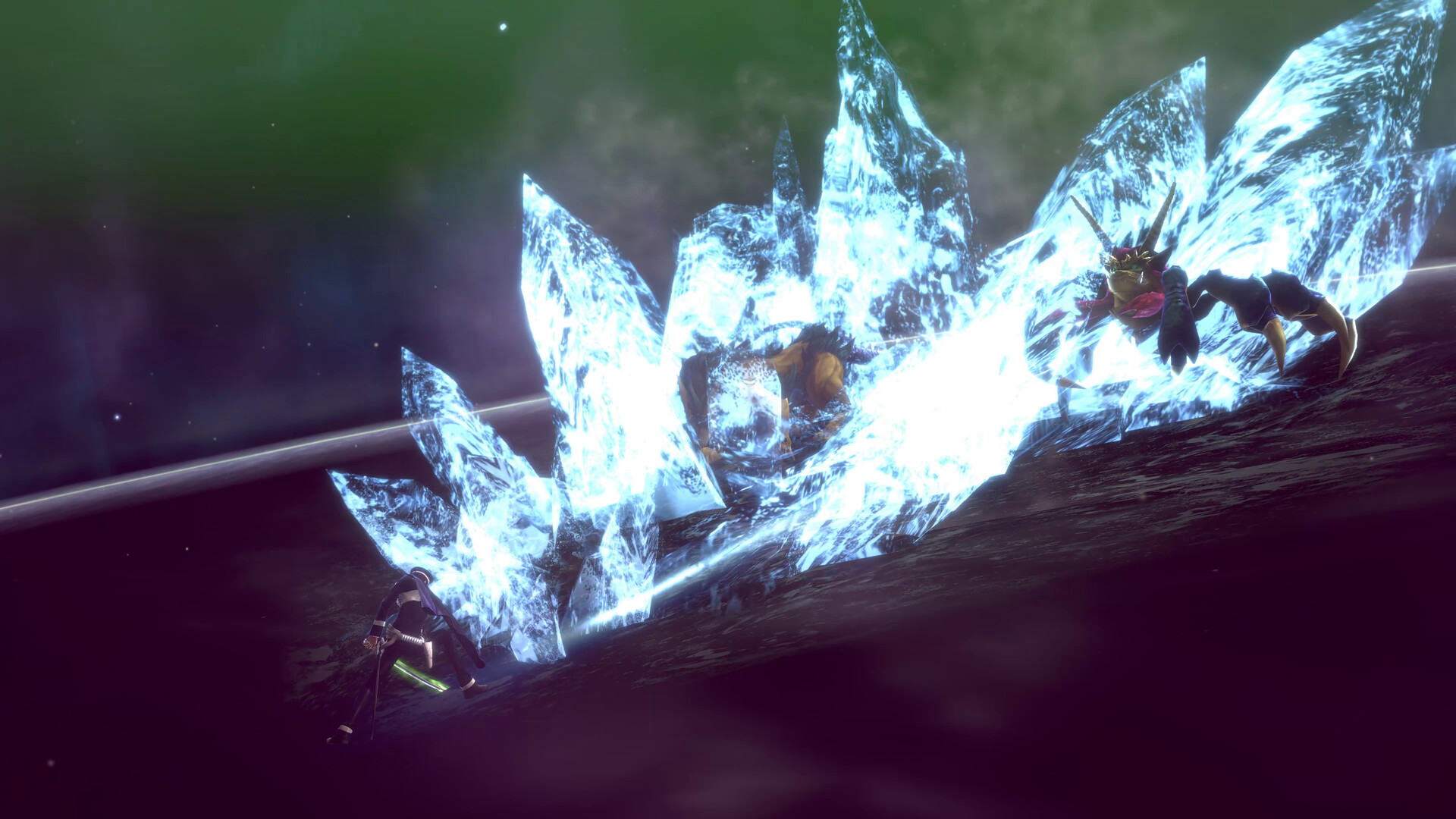
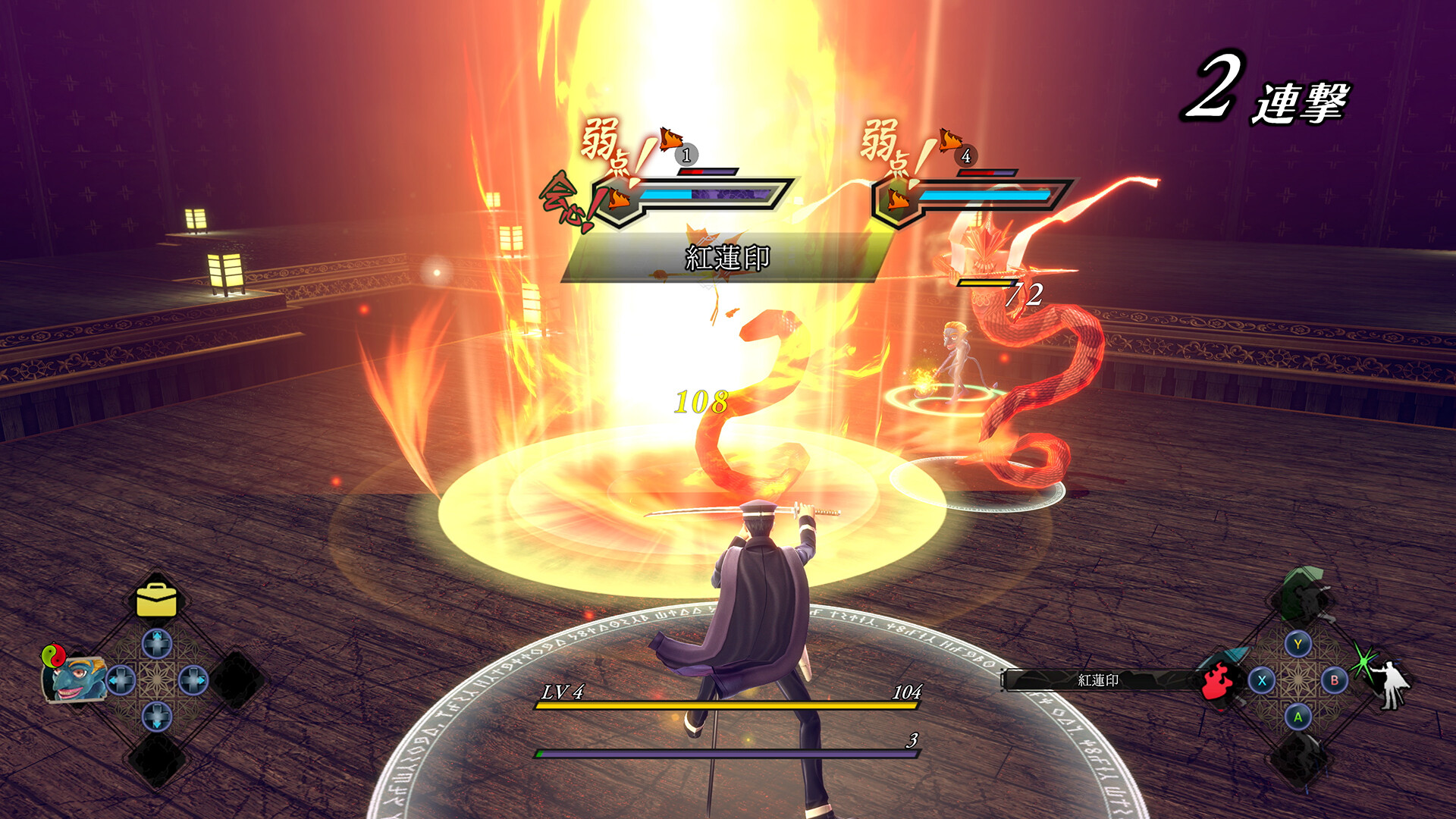
帝都を護るヒーロー葛葉ライドウとなり、悪魔の力で謎を解き、爽快バトルで魔を祓え!
はじめに
- ダウンロードやインストールに問題がある場合は、インストールガイドと起動エラーの対処方法をご確認ください。
- 開発者を応援し、公式ストアで正規版をご購入ください。
- 著作権に関するお問い合わせ: [email protected]